
How to Use a Baby Name Poll to Involve Your Family in 2026
A baby name poll lets you share your shortlist with family and collect their votes, without giving up your final say. Here's how to run one in 2026.

Run a free gender reveal poll online. Guests vote boy or girl from their phone, then you reveal the answer with confetti. Step-by-step guide and templates.
A gender reveal poll is the simplest way to get everyone involved before the big moment. Grandparents, cousins abroad, old friends and colleagues who cannot make it to the party can all cast their guess from their phone, and you get to watch the predictions roll in. When you are ready, you reveal the answer to everyone at once.
The good news is that you do not need a paid app or a complicated form builder. Our free Gender Reveal Poll was built for exactly this: one link, a boy or girl vote, live results and a confetti reveal at the end. This guide walks you through the setup step by step, then gives you ready-made messages and question ideas to make the guessing even more fun.
A gender reveal poll is an online vote where your guests predict whether the baby is a boy or a girl. Everyone answers the same question and the tally updates in real time. Meanwhile the parents (or a trusted secret keeper) hold the real answer until the reveal.
It works on its own as a virtual gender reveal, or as a warm-up for an in-person party. If you are still choosing the party itself, our list of creative gender reveal ideas covers balloon boxes, cakes, piñatas, treasure hunts and other formats that pair well with a poll.
Why parents like it:
Here is the whole process with the Guess Baby Gender poll on pickthebestname.com. It takes about two minutes.
Open the Gender Reveal Poll page and click to create your poll. You enter your name, an optional description (for example "Boy or girl? Place your bets before the party!") and the baby's gender if you know it. If you do not know it yet, choose the surprise option.
A few options shape how the poll feels:
Setting | Options | When to use it |
|---|---|---|
Vote type | Anonymous or public | Public is more fun for a family leaderboard. Anonymous suits shy guests or large groups. |
Final reveal | Reveal at the end or keep it secret | Choose reveal if you know the answer. Keep it secret if you will only find out at birth. |
Due date | Optional | Adds a countdown so guests can see how close the big day is. |
| Optional | Sends you your poll links so you never lose them. |
Once the poll is created you get a share link for guests and an admin link for you. The admin link is the one that lets you see detailed results and trigger the reveal, so keep it somewhere safe. If you skip the email field, copy it before you close the window.
Drop the share link in your family WhatsApp group, a text message, an email or your party invitation. Guests open it on any phone or computer and tap boy or girl. In a public poll they also type their name.
The tally updates live, so you can see who is leading at any moment. This is often the most entertaining part. Expect a few relatives to campaign loudly for their side.
When the moment comes, open your admin link and reveal. Guests see a pink or blue confetti animation and the poll shows how many people guessed correctly. If you are hosting a party, put the poll on a TV screen and click reveal right after the cake is cut or the balloons are released, so remote guests share the same moment.
Many people search for a gender reveal poll template, but the poll itself is already set up for you. What you really need is the wording around it. Here are a few messages you can paste straight into a chat or an invitation.
Short message for the family group chat
Team pink or team blue? 💗💙 We have set up a little poll so everyone can guess before the big reveal. Vote here: [your link]. The answer comes out on Saturday!
Invitation wording for a party
Join us for our gender reveal on [date] at [place]. Before you arrive, cast your vote: boy or girl? We will reveal the result live at the party. Vote here: [your link]
Virtual gender reveal for far-away family
We cannot all be together, so we are doing the reveal online! Make your guess using this link: [your link]. On [date] at [time] we will reveal the answer and everyone will see it at the same moment.
Poll description ideas
The main poll asks the classic question: boy or girl? To stretch the fun across the party, you can add a few side questions. Print them on prediction cards for the party, or post them one by one in the group chat after people vote.
Folk beliefs are a classic party game. None of them predict anything (they are pure fun, with no scientific basis), but guests love to argue about them.
Old wives' tale | Said to mean "girl" | Said to mean "boy" |
|---|---|---|
How the bump is carried | High | Low |
Cravings | Sweet foods | Salty or savory foods |
Morning sickness | Strong | Mild |
Ring on a string over the bump | Moves in a circle | Swings back and forth |
Baby's heart rate | Fast | Slow |
Ask guests to vote in the poll first, then share which tales match the pregnancy. It is funny to see how many people change their mind once they hear about the cravings.
If you already have a shortlist, you can turn the name into its own game. Our Guess Baby Name poll lets guests suggest names and see how close they get to the real one, which stays secret. For more party activities, browse our selection of online baby shower games.
The poll works in two ways, depending on whether you already know.
Mode | Who knows the answer | Best for |
|---|---|---|
With reveal | You, or a secret keeper | Gender reveal parties and virtual reveals on a set date |
Surprise until birth | Nobody | Parents who want to be surprised too, and family who love a long guessing game |
If you want to be surprised but still host a reveal, ask a friend or relative to be the secret keeper. They create the poll with the real answer and keep the admin link. On the day, they press reveal and you find out at the same moment as everyone else.
Share the link early. Three to seven days before the reveal is a good window. Long enough for everyone to vote, short enough to keep the excitement high.
Send one reminder. A single message the day before ("Last chance to vote, the reveal is tomorrow!") usually brings in the stragglers.
Make it public for family. When names are visible, relatives enjoy seeing who picked which side, and it creates gentle rivalry between the two teams.
Promise a small prize. A box of chocolates or the honor of choosing the baby's first outfit gives guests a reason to take their guess seriously.
Show the results at the party. Cast the poll on a TV before the reveal. Seeing the final score right before the cake is cut makes the moment much bigger.
Once the gender is known, the next big question is usually the name. Our guide on how to use a baby name poll with your family explains how to collect opinions on your shortlist without losing the final say.
Yes. Every step is free on pickthebestname.com, from creating the poll to revealing the answer. There is no account to create and no limit on the number of guests who can vote.
No. Guests simply open the link in the browser of their phone or computer and tap boy or girl. It takes a few seconds.
Yes. Choose the surprise option when you create the poll. Guests can still vote and see the live tally, and the answer stays a mystery until the birth. You can also ask a secret keeper to create the poll with the real answer for you.
If you choose a public poll, guests enter their name and you can see each prediction. If you choose an anonymous poll, you only see the totals. Pick public if you want to know who guessed right after the reveal.
Most parents share it three to seven days before the reveal. Send a short reminder the day before, then reveal the answer during the party or at a set time for a virtual reveal.
Creating your poll takes two minutes, and the confetti moment is worth it. Create your free Gender Reveal Poll and share the link with the people you love.
You might also like:
Let everyone guess boy or girl and watch the predictions come in live. When the time comes, reveal the answer with a confetti animation.
A baby name poll lets you share your shortlist with family and collect their votes, without giving up your final say. Here's how to run one in 2026.

From online gender reveal polls to balloon reveals, the 10 best gender reveal ideas for 2026, with free tools to include remote guests.
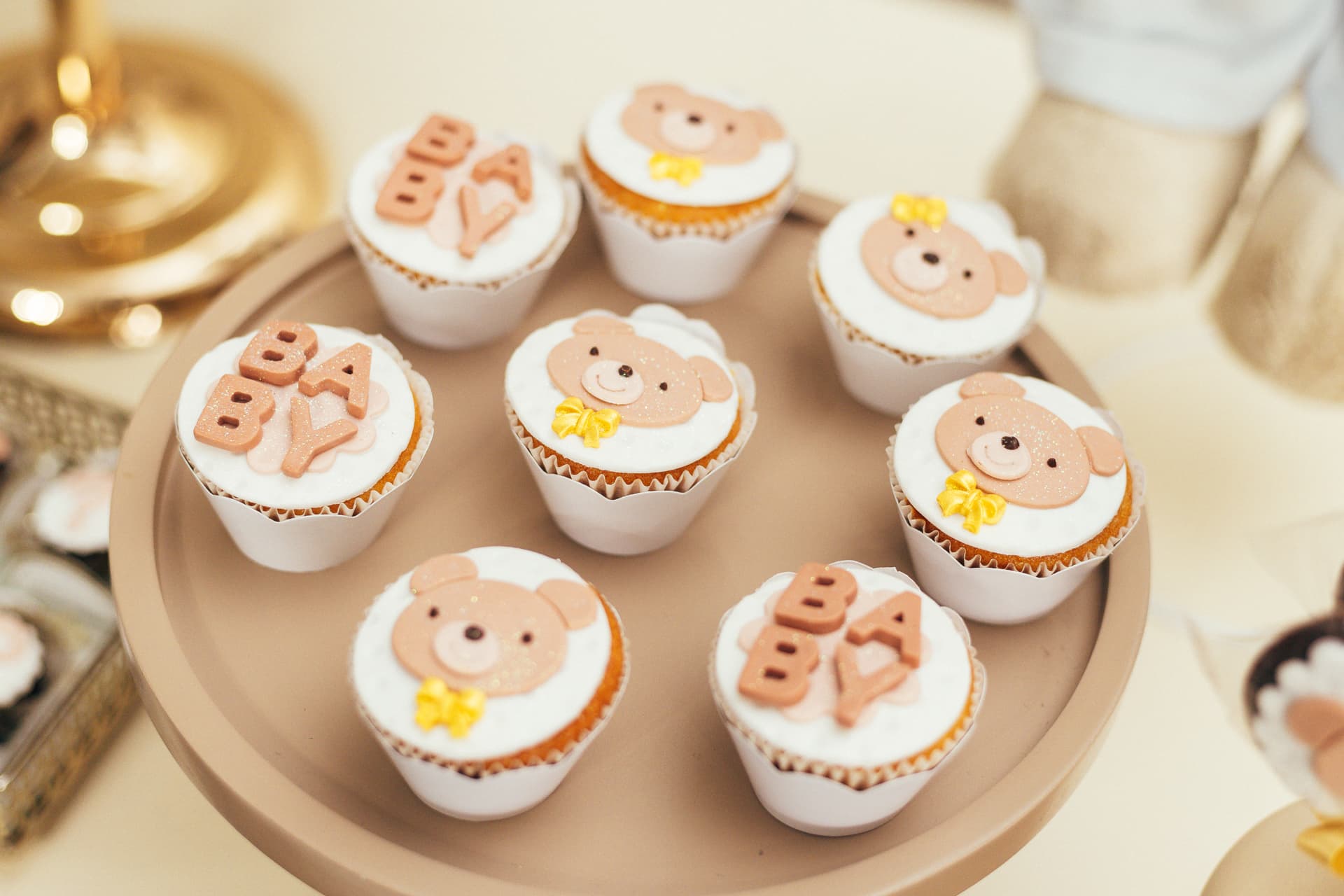
Planning a virtual or hybrid baby shower? Discover the best online baby shower games for 2026, including a free name guessing game and gender reveal poll.